What it does
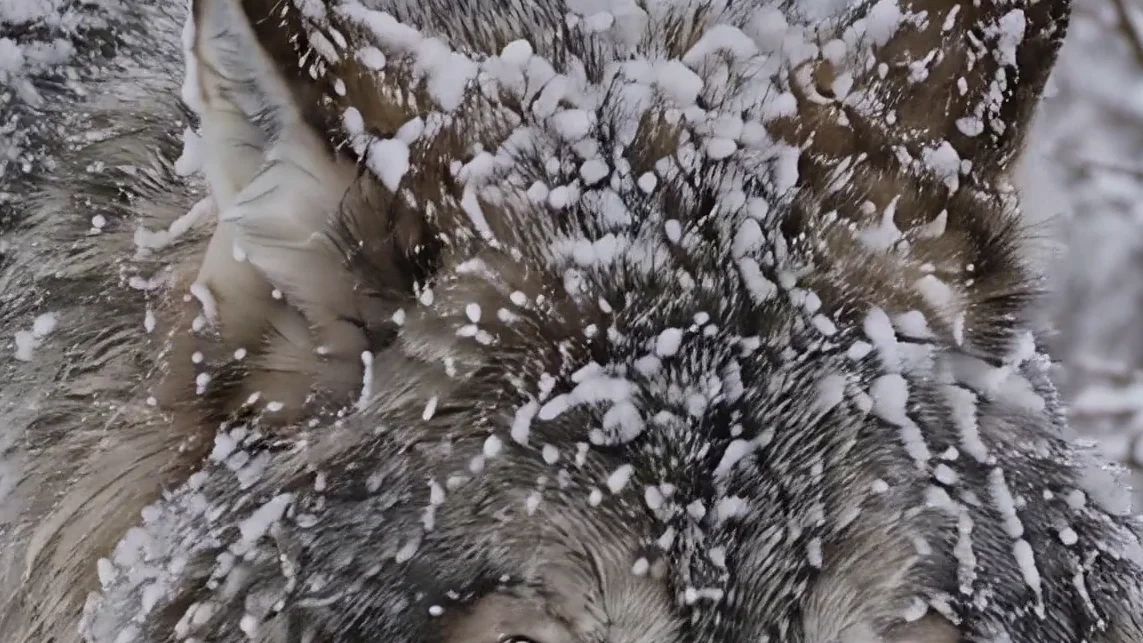
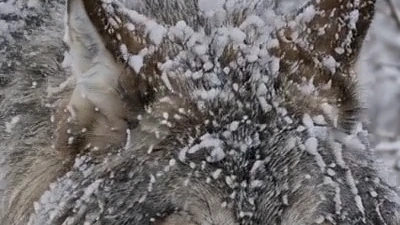 768p original
4K upscale
SeedVR2 3B takes a finished video clip and makes it 2K or 4K. The framing, the motion, the timing and the sound stay as they were. What changes is the detail: fur, hair, skin, fabric, rock and line art that the 768p render could only hint at come back sharp.
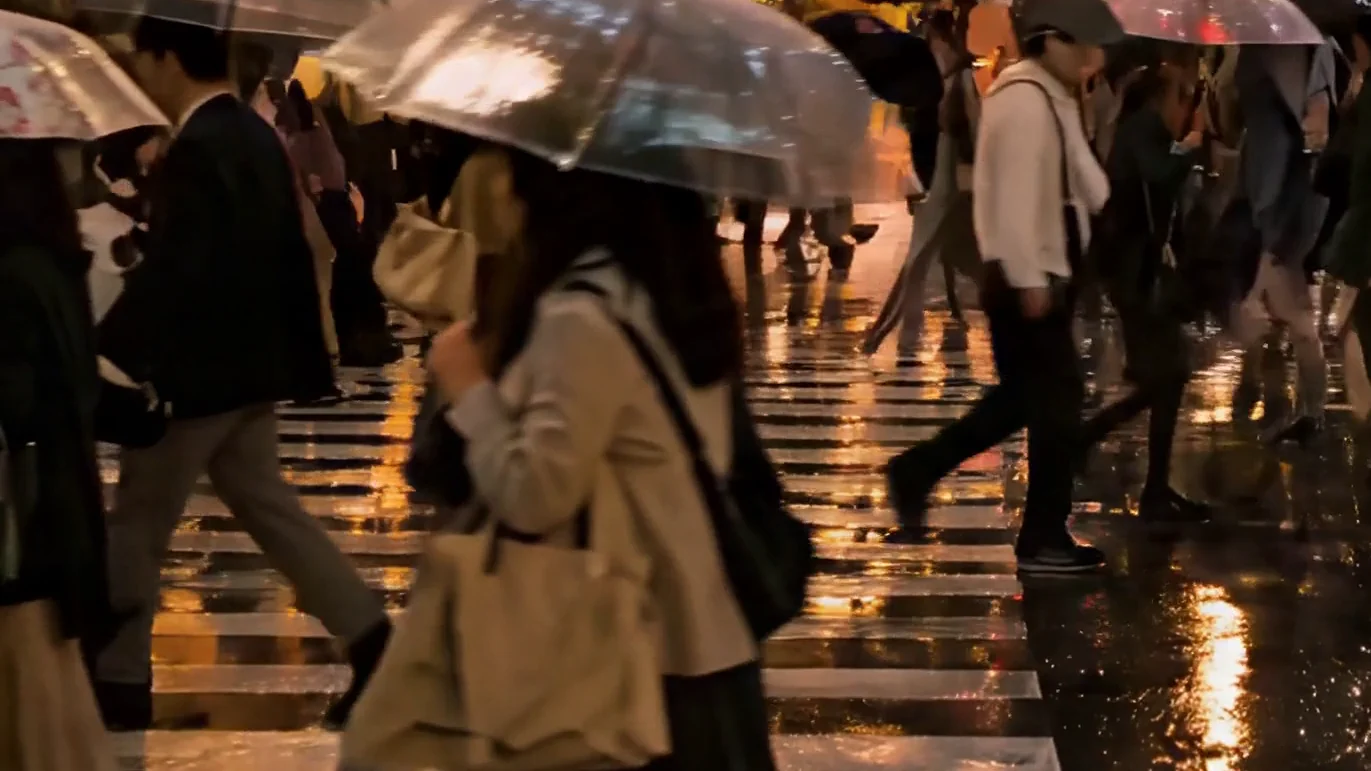
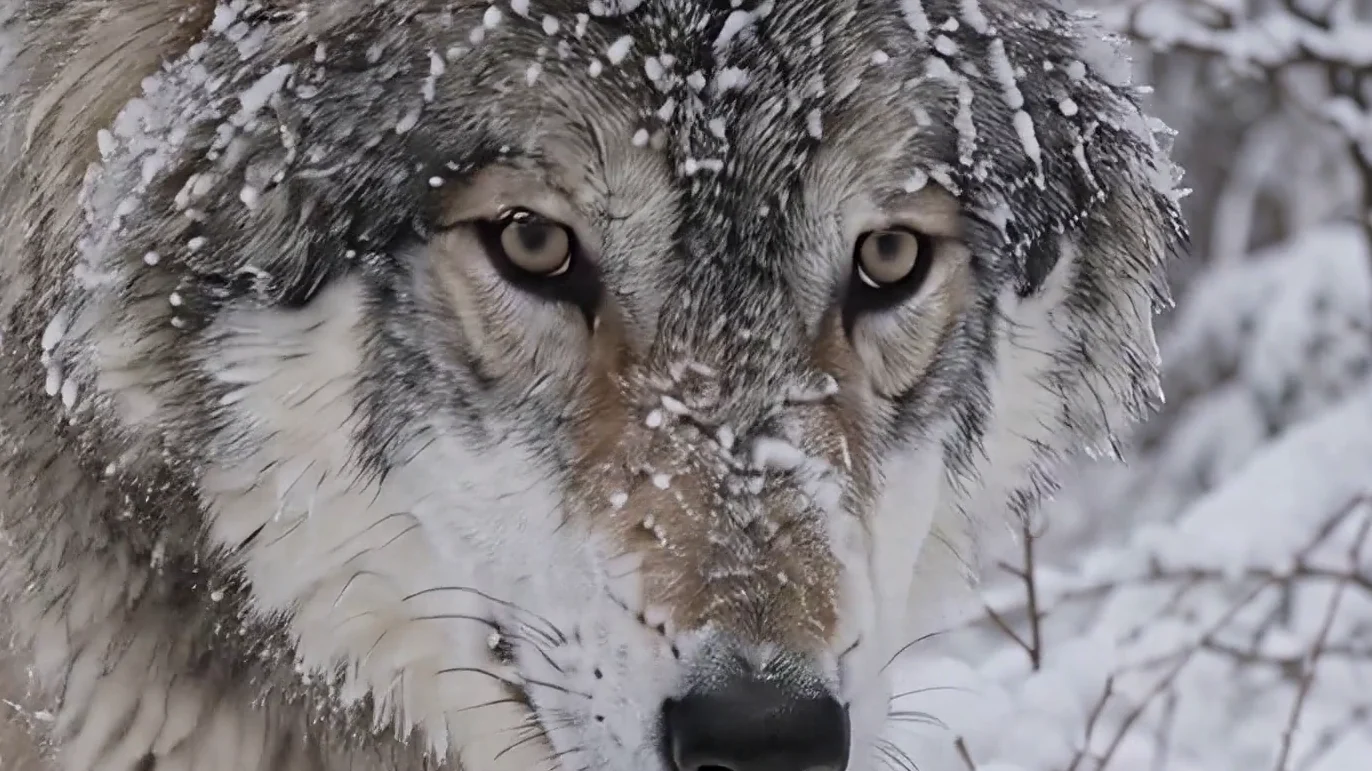
Every picture on this page is a frame of one clip: the background loop on our homepage, 55 seconds made with MiniMax H3 at 768p, then upscaled once to 2K and once to 4K. The crops are the same frame from each version, shown at the same size.
Ten cases
Drag any picture. Each card says what to look at.

 768p4K

 768p4K

 768p4K

 768p4K
 768p4K

 768p4K

 768p4K

 768p4K
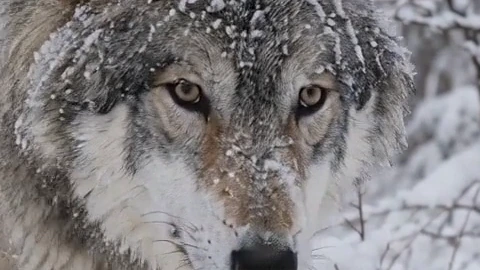 768p4K

 768p4K
768p, 2K and 4K

2K is the step most clips need: it is where faces, hands and hair are fixed. 4K adds finer texture on top and is for big screens, cropping in an edit, or footage that has to sit next to 4K camera material. Sizes for 16:9; every ratio and its size is in the video docs.
How it works
- 1A 768p clipRendered by MiniMax H3, or a clip of your own up to 2K.
- 2SeedVR2 3B, one passReads the clip in runs of frames and restores detail in a single step per run.
- 3The 2K or 4K clipSame length, motion and sound, with the AI-content marks added.
- A restoration model
- SeedVR2 is a diffusion transformer trained by ByteDance Seed to restore video. Most diffusion models take dozens of steps; SeedVR2 was trained to finish in one, which is what makes a whole clip at 4K affordable. It sees many frames at once, so a hair or a snowflake keeps the same shape from one frame to the next instead of flickering.
- It keeps your clip
- The upscaler adds detail and does not render the scene again: the same people stand in the same places, text says the same thing, and the cut and the sound are untouched. Scaled back down to 768p, an upscaled clip stays close to its original: 28 to 32 dB PSNR (Peak Signal-to-Noise Ratio) on our test clips, and 26 dB on this page's loop, which is full of snow, crowds and fine lines. Rendering the clip again at 2K instead scored 9.5 to 22 dB: a different clip.
- Always from the original
- Our 4K is made from the 768p render in one pass, never from the 2K. A second pass over its own output starts inventing skin blemishes and adds contrast, so an upscale by task id takes a 768P clip only.
- How long it takes
- Minutes. A 2K upscale of a 5-second clip takes about three minutes; 4K takes two to four times as long.
- Marked as AI-generated
- An upscaled clip carries the same marks as a rendered one: signed C2PA content credentials that name the upscale, a watermark in the picture and one in the sound. See the marks.
The model
| model | id | size | publisher | licence | weights served |
|---|---|---|---|---|---|
| SeedVR2 3B | seedvr2-3b | 3B, fp16 | ByteDance Seed | Apache 2.0 | numz/SeedVR2_comfyUI (fp16 of ByteDance-Seed/SeedVR2-3B) |
It is the 2K and 4K stage of MiniMax H3, MiniMax H3 Ref2VA and the Ref2VA 4-step model, and it upscales finished clips on its own. A clip asked for at 2K or 4K is rendered at 768P and upscaled once, in the same request.
How to call it
Ask for 2K or 4K when you render
Set resolution to 2K or 4K on a
MiniMax H3 request. You get one clip, already upscaled.
curl -X POST https://tasks.anex.sh/v2/video_generation \
  -H "Authorization: Bearer $ANEX_API_KEY" -H 'Content-Type: application/json' \
  -d '{"model": "MiniMax-H3",
       "content": [{"type": "text", "text": "A grey wolf walks through falling snow."}],
       "resolution": "4K", "duration": 6, "ratio": "16:9"}'
Upscale a clip you already made
Keep drafts at 768P, then upscale only the ones you keep, through MiniMax's regeneration endpoint, by task id:
curl -X POST https://tasks.anex.sh/v2/video_regeneration \
  -H "Authorization: Bearer $ANEX_API_KEY" -H 'Content-Type: application/json' \
  -d '{"model": "MiniMax-H3", "resolution": "4K",
       "source_task_id": "318407566120873452"}'
Upscale a clip of your own
Send the clip as a base_video, by URL or as a data URI,
on the same endpoint:
{"model": "MiniMax-H3", "resolution": "2K",
 "content": [{"type": "video_url", "role": "base_video",
              "video_url": {"url": "https://example.com/clip.mp4"}}]}
Many clips at once
A batch job on seedvr2-3b, one clip per line:
{"custom_id": "wolf-4k", "method": "POST", "url": "/v1/videos/upscales",
 "body": {"video": {"job_id": "<job-id>", "custom_id": "wolf"}, "resolution": "4K"}}
{"custom_id": "own-1", "method": "POST", "url": "/v1/videos/upscales",
 "body": {"video": {"url": "https://example.com/clip.mp4"}, "resolution": "2K"}}
Without code: the console's Upscale to 2K and Upscale to 4K buttons under every 768P clip, and the ComfyUI Upscale Video node. Polling, callbacks and errors are in the video docs.
Which clips it takes
- MP4 or MOV, H.264 or H.265, a steady 24 frames per second, up to 50 MB, 107 to 362 frames long in steps of 17 (the lengths MiniMax H3 makes, up to about 15 seconds). A longer film is upscaled in pieces, as this page's loop was.
- From 768p up to 2K, and the target is larger than the clip: a 2K clip goes to 4K only.
- The sound comes back as it went in; a clip without sound comes back without sound.
- An upscale that fails delivers nothing and costs nothing.
Priced per second of video; the 2K and 4K rates, for a render and for an upscale on its own, are on the pricing page.